
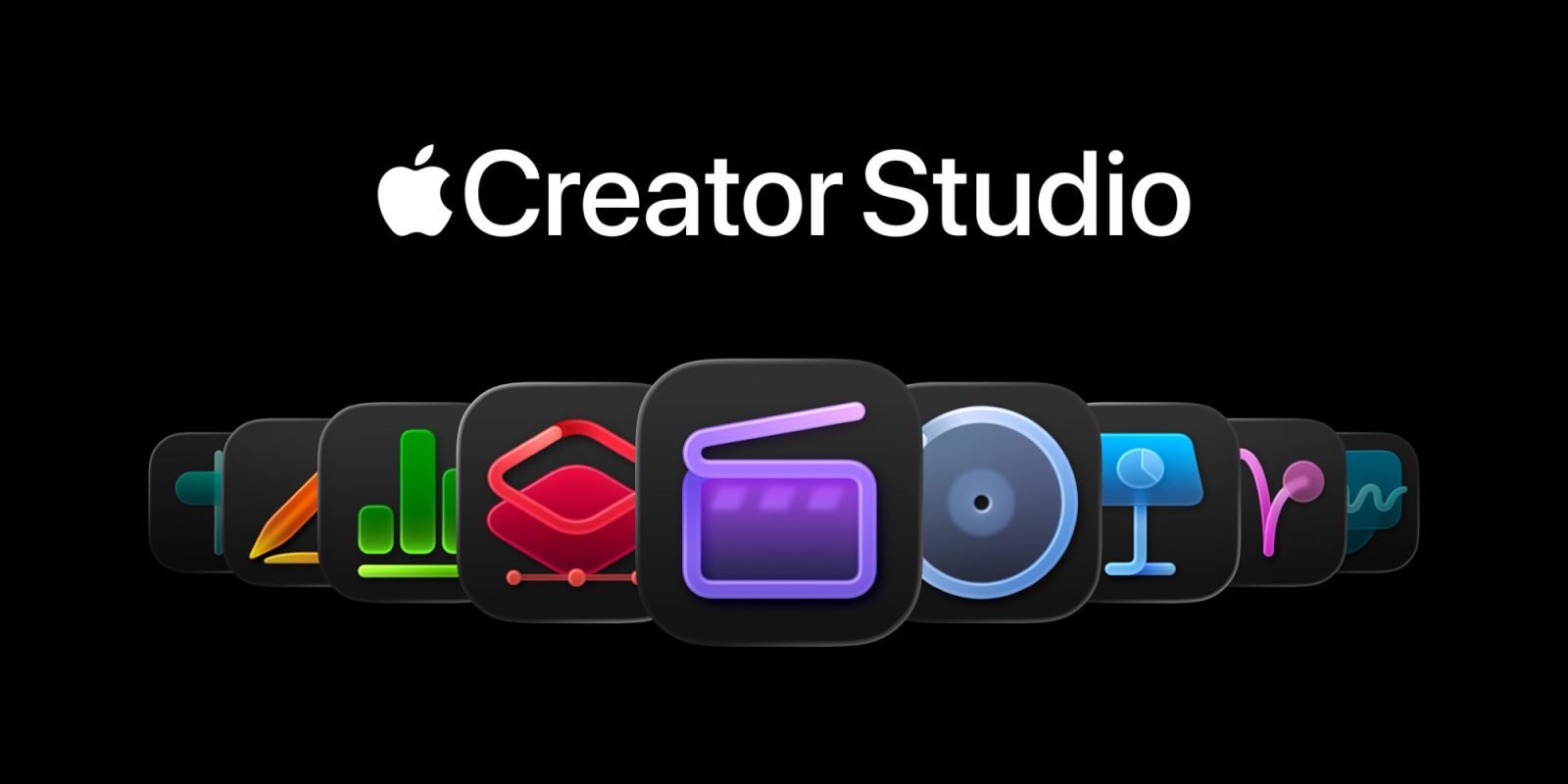
Apple has announced Apple Creator Studio, which it describes as a “groundbreaking collection of powerful creative apps designed to put studio-grade power into the hands of everyone.”
Apple Creator Studio will launch on the App Store on Wednesday, January 28, and will cost $12.99 per month or $129 per year. There will also be a one-month free trial offer. College students and educators can subscribe for $2.99 per month or $29.99 per year.
What’s included in Apple Creator Studio?
Apple Creator Studio gives you access to the following things:
- Final Cut Pro, Logic Pro, and Pixelmator Pro on Mac and iPad
- Motion, Compressor, and MainStage on Mac
- Intelligent features and premium content for Keynote, Pages, Numbers
- Intelligent features and premium content for Freeform on iPhone, iPad, and Mac (“later”)
For Mac users, Apple notes one-time purchase options for these apps are still available:
One-time-purchase versions of Final Cut Pro ($299.99 U.S.), Logic Pro ($199.99 U.S.), Pixelmator Pro ($49.99 U.S.), Motion ($49.99 U.S.), Compressor ($49.99 U.S.), and MainStage ($29.99 U.S.) are available on the Mac App Store.
For iPad users, all of the apps are only available as part of the Apple Creator Studio subscription.
Pixelmator Pro for iPad
One of the most notable parts of today’s announcement is that Pixelmator Pro is coming to iPad for the first time. The app will offer a “uniquely crafted experience that is optimized for touch and Apple Pencil.” Apple acquired Pixelmator in November 2024, and this marks the first major change since that deal.
Pixelmator Pro, the award-winning image editor for Mac, comes with the all-new Apple Creator Studio, bringing an approachable and professional editing experience to even more creators. Pixelmator Pro is packed with powerful image editing tools, empowering Apple Creator Studio subscribers and one-time-purchase Mac users to design, draw, paint, and refine their creative vision, and so much more.
For the first time, Pixelmator Pro is coming to iPad, bringing an all-new touch-optimized workspace, full Apple Pencil support, the ability to work between iPad and Mac, and all of the powerful editing tools users have come to appreciate on Mac. Pixelmator Pro for iPad offers fast and efficient image editing, leveraging the blazing performance of Apple silicon and built from scratch for the latest iPadOS.
Each of apps included in Apple Creator Studio is also getting a handful of new features as part of this launch:
Final Cut Pro on Mac and iPad
- Transcript Search: users can now easily find the perfect soundbite in hours of footage by simply typing phrases into the search bar to see exact or related results.
- Visual Search: pinpoint exact moments across all footage by searching for an object or action, and then add that visual to their timeline in seconds.
- Beat Detection: powered by an AI model from Logic Pro, Final Cut Pro can analyze any music track and display the Beat Grid, so users creating fast-paced videos can quickly and visually align their cuts to the music.
Final Cut Pro for iPad
- Montage Maker: will analyze and edit together a dynamic video based on the best visual moments within the footage, with the ability to change the pacing, cut to a music track, and intelligently reframe horizontal videos to vertical with Auto Crop to simplify sharing across social platforms.
Logic Pro for Mac and iPad
- Synth Player: new for the AI Session Player lineup for a diverse range of chordal and synth bass parts.
- Chord ID: uses AI to turn any audio or MIDI recording into a ready-to-use chord progression.
Logic Pro for Mac
- New Sound Library: Apple-designed packs and Producer Packs with hundreds of royalty-free loops, samples, instrument patches, drum sounds, and more.
Logic Pro for iPad:
- Quick Swipe Comping: for vocalists and producers who want to create inside or outside the studio.
- Natural language search: find Music Understanding features to describe a loop or find similar loops.
Keynote, Pages, and Numbers
Finally, Apple has announced an array of new features for Pages, Numbers, and Keynote.
For Apple Creator Studio subscribers, there’s a new Content Hub. Apple says this is “a place where can find curated, high-quality photos, graphics, and illustrations.”
Subscribers will also have access to new image creation and editing tools.
In addition to Image Playground, advanced image creation and editing tools let users create high-quality images from text, or transform existing images, using generative models from OpenAI. On-device AI models enable Super Resolution to upscale images while keeping them sharp and detailed, and Auto Crop provides intelligent crop suggestions, helping users find eye-catching compositions for photos.
Top comment by Chaston R
I appreciate the approach taken by Affinity/Canva in developing their model. While the software is free, I wouldn’t mind paying for it, considering I’ve already paid for the app and upgrades before the merger. However, the AI component is a subscription-based service.
A subscription also unlocks access to features in beta for Keynote, including creating a first draft of a presentation from a text outline, or creating presenter notes from existing slides. You can also clean up slides to fix layout and object placement. In Numbers, Magic Fill allows subscribers to generate formulas and fill in tables based on pattern recognition.
Apple clarifies, however, that Pages, Numbers, and Keynote will “remain free for all users to create, edit, and collaborate with others.” The free version of the apps will “continue receiving updates, with the latest versions adopting the beautiful new visual design language with Liquid Glass on all platforms, and supporting the new windowing and menu bar improvements in iPadOS 26.”
My favorite iPhone accessories
- Add wireless CarPlay to any car
- Anker MagSafe 3-in-1 Charging Cube
- Smart Robot Vacuum with HomeKit
- Satechi Foldable Charging Stand
- Anker MagGo Power Bank
Follow Chance: Threads, Bluesky, Instagram, and Mastodon.


FTC: We use income earning auto affiliate links. More.




Comments